Player controls
- Set a quick status with /status followed by text.
- Open the status editor with /status to choose custom text and color.
- Clear the active status with /cstatus.
- Show a temporary player ID with /id.
Place synced roleplay text above your character or on selected body locations. Use quick commands or the in-game editor to choose a color and placement.
One-time purchase. Tebex handles checkout and Cfx.re asset delivery.
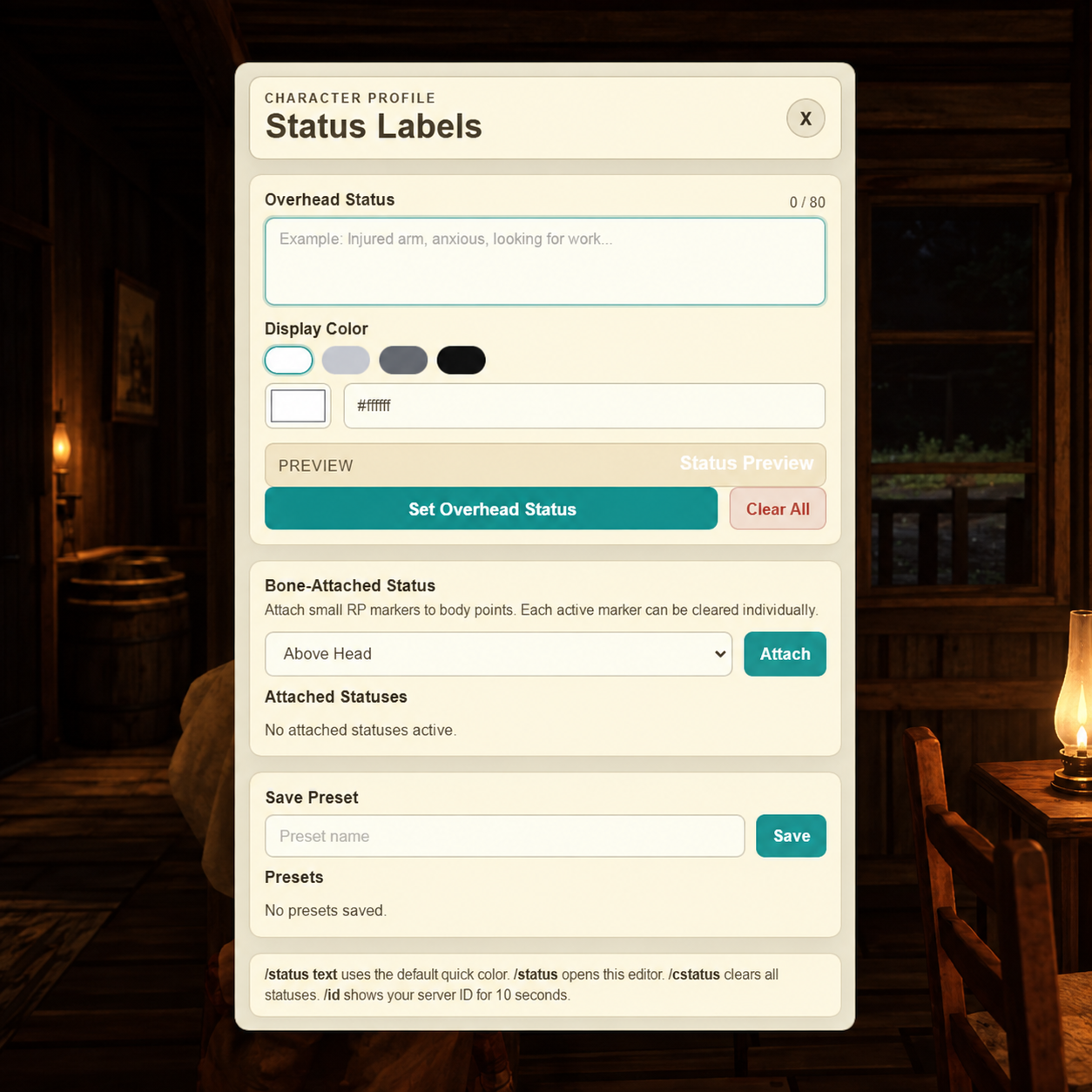
BHG UI. Commands, distances, placements, and limits can be adjusted in config.lua.
Follow the README included with the resource for installation steps and server configuration.
Join the BHG Discord for support and updates.